What afterSora replaces—and what it does not
afterSora can replace the creative-production layer an agency previously built around Sora: prompts, references, shots, generations, revisions and organised outputs. It is not a sales CRM, client-intake form builder, task board or approval portal.
Keep leads, contracts, deadlines and formal approvals in the agency systems already responsible for them. Use afterSora for the work between an approved creative brief and the generated media delivered back to that process.
1. Turn the approved brief into a project
Create one afterSora project for the campaign or deliverable. Use a short, recognisable name and keep unrelated clients separate. A project groups generated outputs and gives the team a stable place to return to while the brief moves through versions.
- Record the campaign objective and delivery format in the working prompt notes.
- Store only approved reference assets with clear usage rights.
- Decide which outputs belong to the project before generation starts.
- Keep client-identifying or confidential material out of prompts unless it is necessary and permitted.
2. Choose the model from the delivery requirement
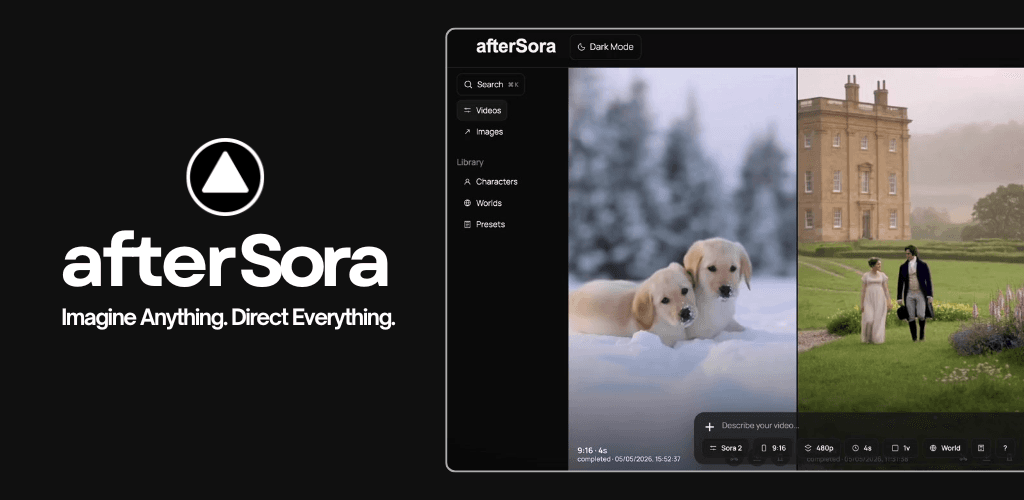
Select Video or Image, then use the model, duration, resolution and aspect controls exposed for that mode. The live video routes are Sora 2, MiniMax H3, FLUX 3, Wan 3.0 and the Seedance family. Image work can use afterSora Imagine at Standard HD or 2K Precision, or GPT Image 2.
Do not choose a model from a generic leaderboard. Choose from the actual delivery requirement, reference format, aspect ratio, iteration path and budget.
3. Reuse creative context
- Characters: preserve approved subject identity where the selected model and reference policy allow it.
- Worlds: carry environment, lighting, tone, rules and a focal image into new generations.
- Projects: keep outputs associated with the client campaign rather than mixed into an unstructured feed.
4. Storyboard before expensive iteration
Use the storyboard to break the approved idea into timed shots. Write the action, camera intention and continuity requirement for each card before generating. Storyboard limits and reference behavior vary by model, so work within the controls displayed in the dashboard rather than assuming every provider accepts the same sequence.
- Give each shot one clear purpose.
- Keep character and product details consistent between cards.
- Mark where a reference image is essential rather than decorative.
- Generate a small representative set before multiplying variations.
5. Review outputs as production assets
Judge every result against the brief, continuity, rights and delivery specification. Favorite promising outputs, download approved versions and use the available iteration tools when the selected source and model support them. Remix, Extend, Re-cut and Loop are workflows, but their provider behavior is not identical.
6. Control cost and failure risk
- Check the displayed credit estimate before submission.
- Start with one variation when testing a new prompt or reference set.
- Budget revisions separately from first-pass generation.
- Verify that failed jobs return reserved credits before resubmitting repeatedly.
- Use the live pricing page for current model charges rather than an old spreadsheet.
A clean agency handoff
Deliver approved files through the agency's normal client channel, together with the agreed usage notes and version labels. Keep the afterSora project as the production record for future revisions. That division is deliberate: the CRM owns the relationship, the approval system owns the sign-off, and afterSora owns the AI-media production workspace.