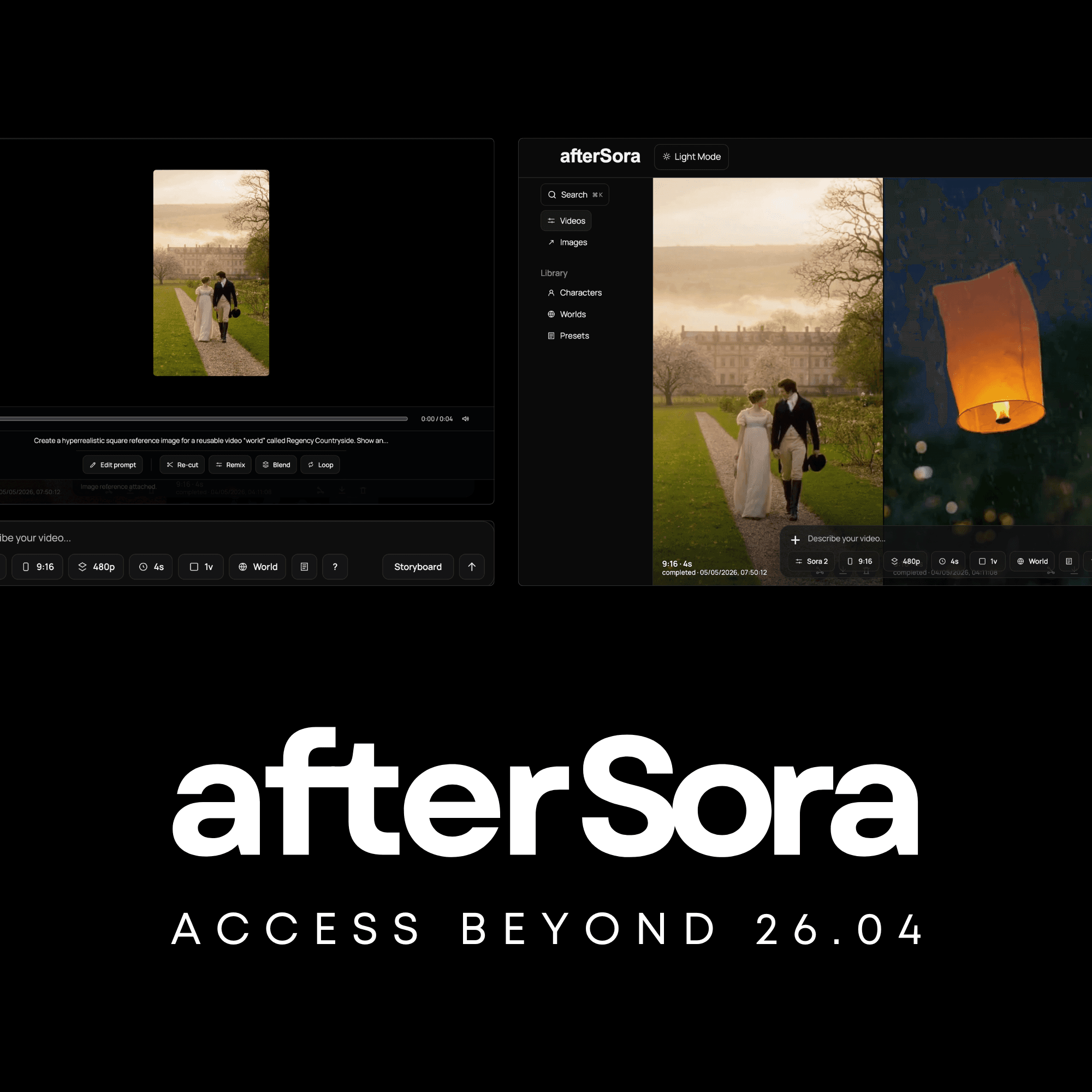
Generate and edit images with structured control over quality, references, characters, worlds, composition, and camera direction — all inside the afterSora workflow.
Start with a prompt or source image, choose Standard HD or 2K Precision, and keep every output organised with the project and references that produced it.
afterSora Imagine combines generation, editing, multiple visual references, reusable Characters, World context, and camera direction in one image workflow.
Choose Standard HD for fast generation or 2K Precision for final-detail output, with the quality and credit cost visible before you create.
afterSora Imagine Examples
Prompt it. See what comes back.
Every image below started as a single prompt. No compositing. No tricks. Just what afterSora Imagine returns when you give it exactly what you had in your head.
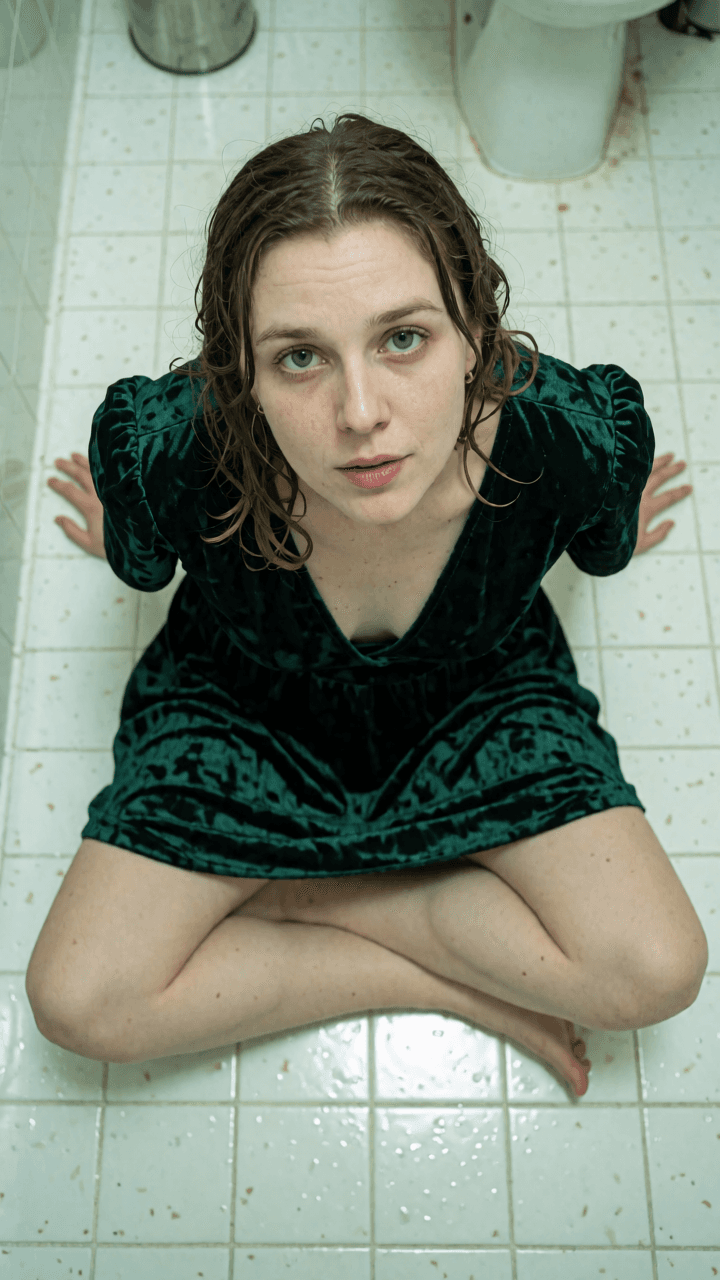
A high-angle shot looking down at a woman with an alt aesthetic sitting cross-legged on a white bathroom tile floor. She is wearing a deep emerald green velvet dress; the fabric shows a realistic "crushed" texture and reflects light unevenly. Her hair is damp and clumped together in wet strands, clinging to her neck and shoulders. She is looking up at the camera with a tired expression, her mascara slightly smudged under her lower lashes. The lighting is cold, sterile overhead fluorescent light, creating a slight green tint and highlighting the reflective surface of the tiles and the moisture on her skin.
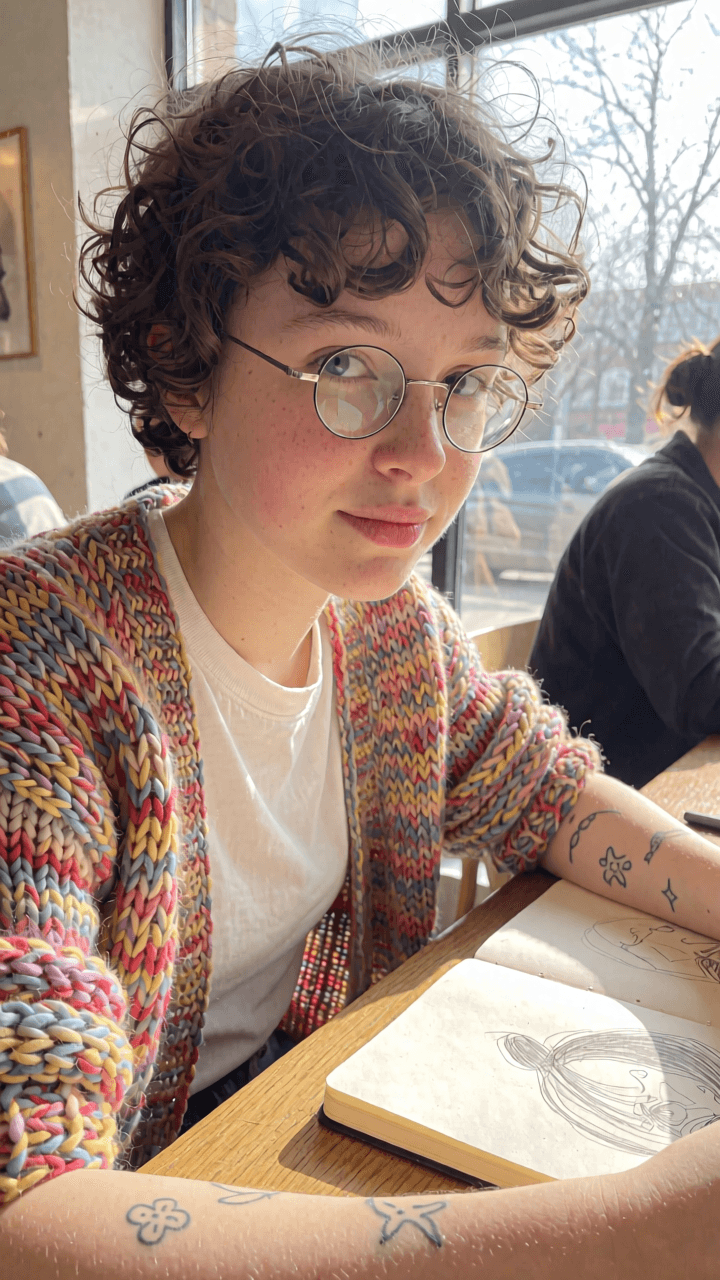
A close-up candid shot of a girl with short curly hair and small round glasses, wearing a hand-knit colorful cardigan over a white tee. She has a few small, minimalist tattoos on her forearm. She is sitting in a sunlit cafe with a sketchbook open on the wooden table in front of her. The photo is slightly overexposed from the natural sunlight coming through a window, creating a soft glow. Natural skin texture with visible pores and a few freckles, no makeup look.
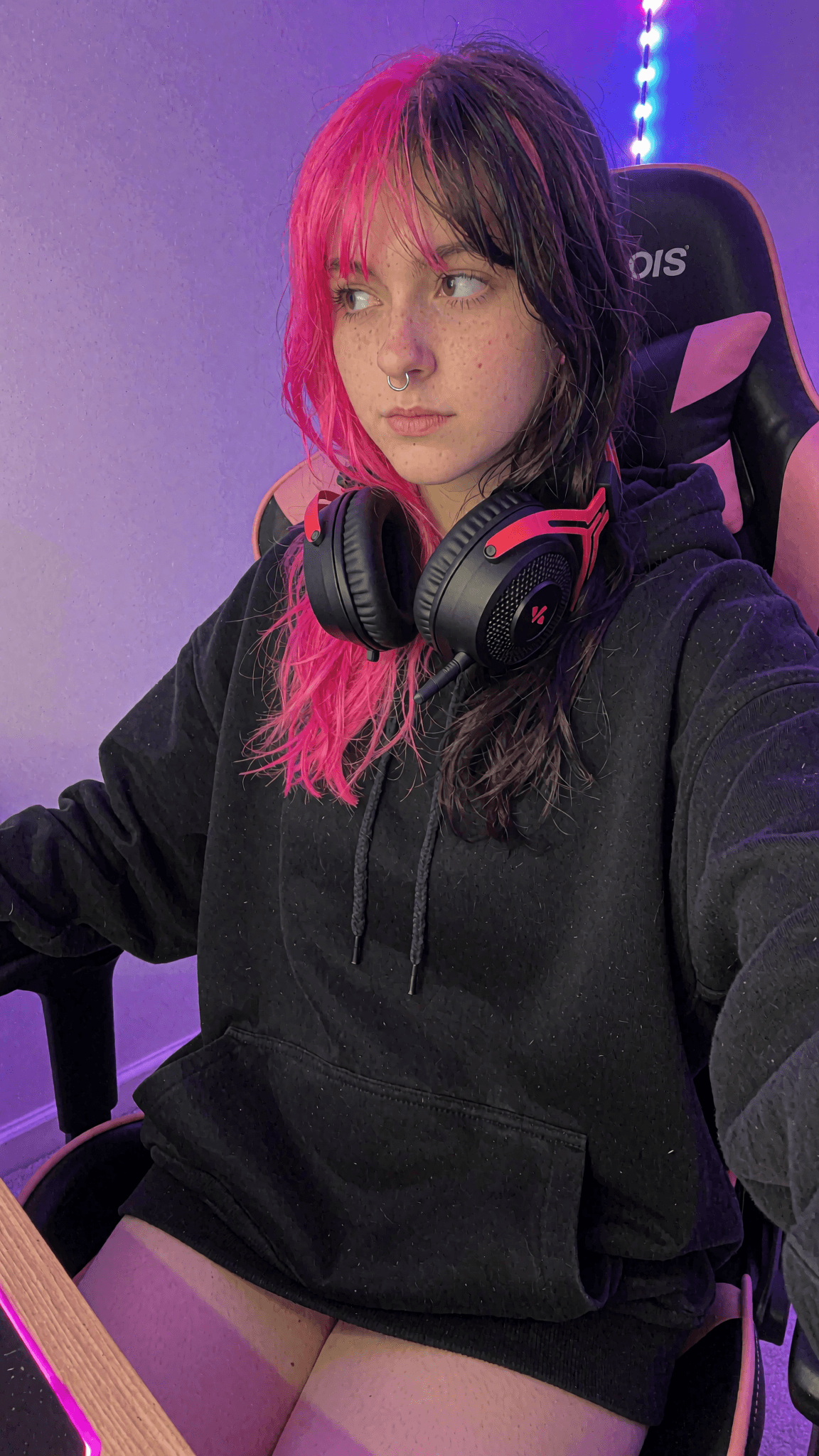
High contrast, colorful but amateur, desk setup. A candid, slightly high-angle photo of a girl with split-dye hair (half neon pink, half black) and small silver hoop piercings in her cartilage. She is wearing an oversized black hoodie and gaming headphones around her neck. She is sitting in a gaming chair, looking away from the camera with a neutral expression. The lighting is dominated by a purple and blue LED strip in the background, creating soft colorful highlights on her skin. Shot on a mobile phone, slight digital noise.
Image generation built for direction, continuity, and revision. Imagine connects prompts, source images, characters, worlds, quality controls, and editing operations so each result can belong to a larger project instead of becoming an isolated output.
Standard HD or 2K Precision
Choose output quality before generation
Create in Standard HD for 1 credit or select 2K Precision for 2 credits. Generate in square 1:1, portrait 9:16, or landscape 16:9 without rebuilding the brief.
Text-to-Image Direction
Prompt the scene, not a generic style
Describe subject, composition, lighting, camera perspective, atmosphere, materials, and mood. Imagine compiles that intent into a production-ready image direction.
Multi-Reference Control
Characters, worlds and uploads in one brief
Use up to three active references, including as many as two subject references, to guide identity, environment, composition, wardrobe, objects, lighting, or visual treatment.
Reusable Characters
Identity that carries across generations
Bring saved afterSora Characters into new images instead of rebuilding identity from text. Keep recognisable facial features, proportions, styling, and defining details connected to the brief.
Worlds
Keep the setting, lighting and atmosphere
Apply reusable World instructions and an optional focal image so locations, palettes, lighting rules, texture, and atmosphere remain part of the same creative universe.
Image Editing & Camera Control
Change the image without starting again
Edit an existing image, remove or replace elements, transform a scene, or change the camera angle while keeping the source composition and selected references connected to the result.